Lighting a home desk is less about matching a photograph and more about helping you see paper, keyboards and screens comfortably. A good solution may involve moving a lamp you already own, adjusting blinds or changing where the monitor sits.
Move the light before shopping; glare is about position as much as output.
Find the source of the glare
Sit where you normally work and notice reflections on the display at different times of day. A window directly behind you can reflect in the screen; one directly in front may create uncomfortable contrast. Often, moving the desk or tilting blinds helps more than replacing the lamp. Avoid placing a bright, bare bulb in your direct field of view.
Choose task lighting for the actual task
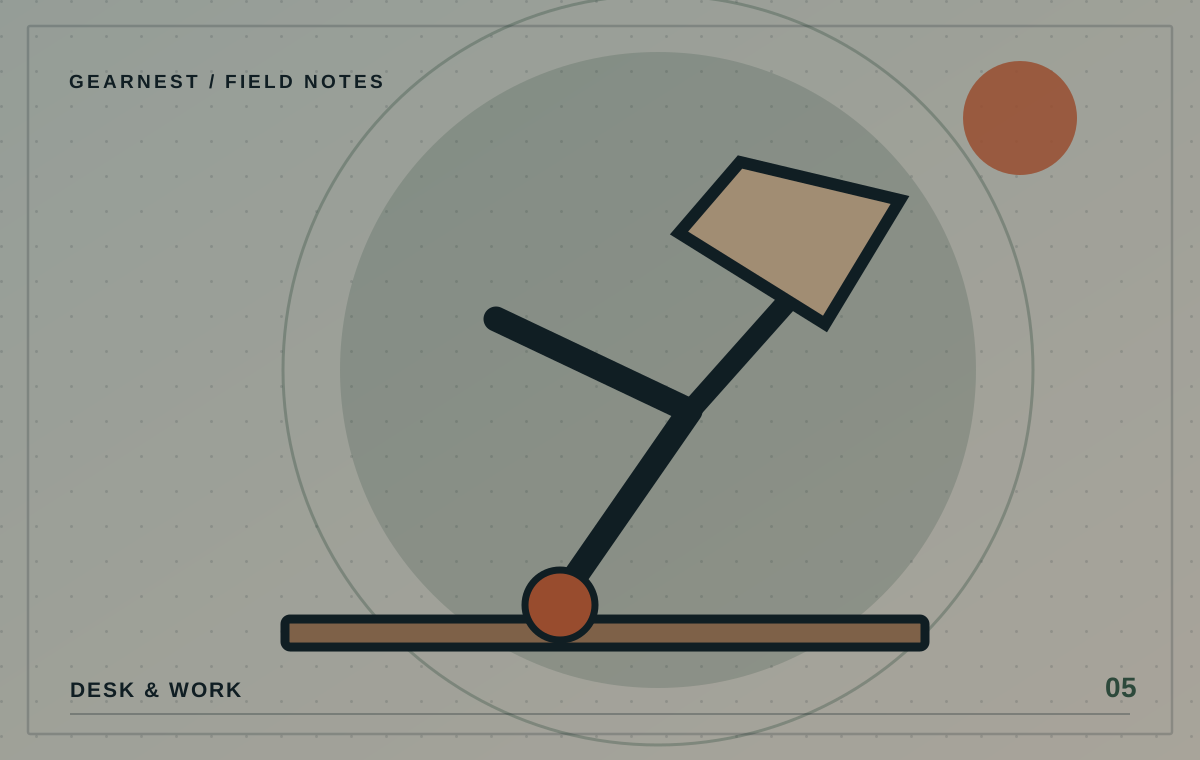
Reading a printed document benefits from light directed onto the page. Screen-only work may require softer surrounding light rather than a strong beam aimed at the monitor. An adjustable arm and shade can be useful because the lamp can move as your work changes. Think about placement relative to your dominant hand if it casts shadows while writing.
Consider colour and brightness with care
Product pages often emphasise colour temperature and lumen numbers. Those can help you compare options, but room size, shade design and placement also affect how the light feels. Dimming and easy controls may matter more than a long list of preset modes. Don't treat claims about productivity, sleep or eye health as proven for a particular product without credible evidence.
Plan the cable and power path
A clamp lamp can free desk space but needs an appropriate mounting surface. A freestanding lamp is easier to move but takes room. Check where the cable runs, especially around chair wheels and foot traffic, and whether a power adapter blocks neighbouring outlets. Follow the lamp's safety and ventilation instructions.
Test one change at a time
Try shifting your existing lamp, rotating the screen slightly or modifying window light for a few days. If you still need something new, you will know whether the problem is insufficient task light, poor adjustment or reflections. That is a much better buying brief than simply searching for the brightest desk lamp.
Observe the desk in daylight and after dark
Spend one ordinary working day noticing when text on paper becomes hard to read or the display catches a reflection. Mark the time and direction of the light. If the problem is direct afternoon sun, adding a brighter lamp may not help at all; adjusting a blind or changing the screen angle may be better. At night, experiment with softer background lighting before buying a specialised screen accessory. Your notes should describe a problem, not just a preferred colour.
Before you choose
- Identify your reflection or shadow problem first.
- Check lamp footprint, clamp type and outlet access.
- Prefer adjustable placement over unsupported wellbeing claims.
Buying an expensive light bar without checking your screen shape and reflections.