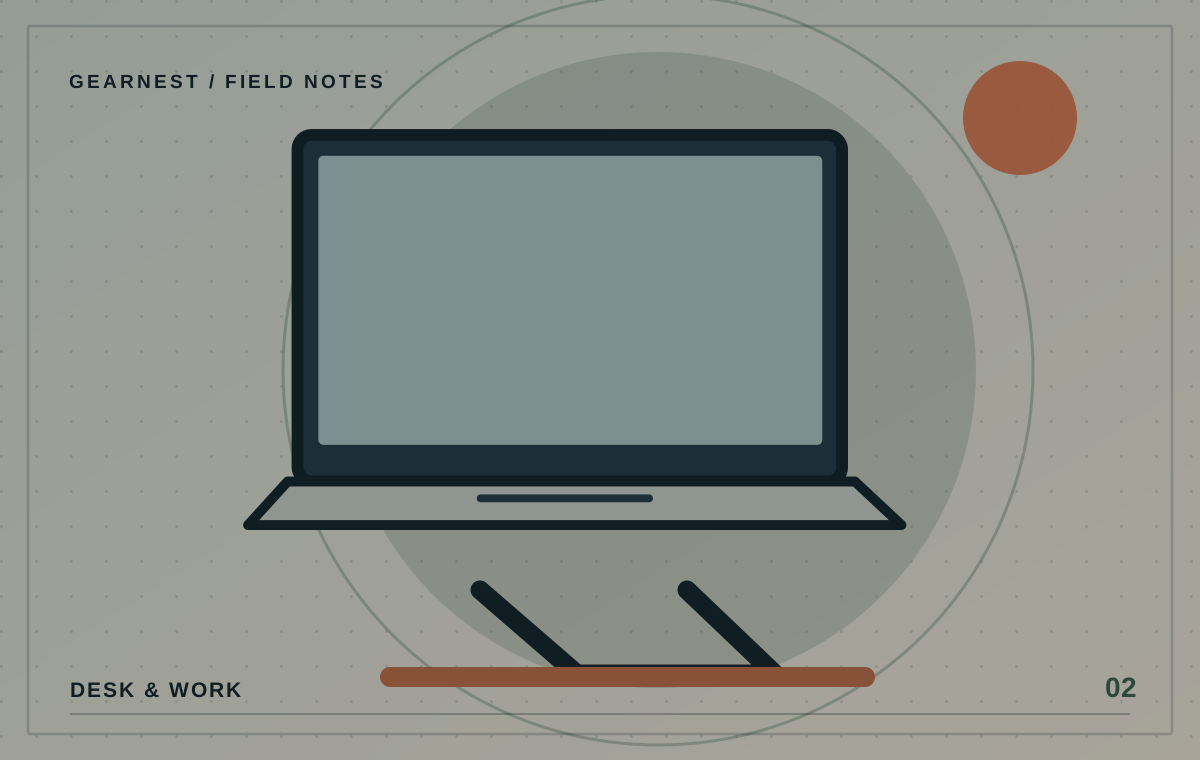
A laptop stand is a surprisingly simple product with a few important trade-offs. It can lift the screen, clear desk space or help with a temporary setup. But the tallest, most adjustable option is not always the right choice, especially if you plan to type directly on the laptop.
Choose by keyboard use, stability and ventilation first.
Decide whether you will type on the laptop
If you use the built-in keyboard, raising the whole machine may put your hands at an awkward height. In that situation, a low, gently angled stand might feel more practical. If you use a separate keyboard and mouse, a taller riser may let you position the screen independently. Think about your normal workflow rather than buying the most adjustable mechanism available.
Check stability on your actual surface
A stand should not wobble when you type, tap the trackpad or adjust the screen. Inspect the footprint, rubber grips and the contact points under the laptop. Slim folding stands often travel well but may sacrifice some rigidity. If possible, try one with a device similar in size and weight to yours, or buy from a retailer whose returns conditions you have checked.
Leave vents and ports accessible
Look at where the laptop takes in and releases air. A stand should not block its cooling path, and cables should connect without being forced into a tight bend. Think about the location of USB-C ports, power input and any headphone jack. Some manufacturers specify approved operating orientations; follow their device guidance rather than assuming every vertical dock is safe.
Compare folded size with useful range
For a permanent desk, a heavier stand may be fine. For a daily commute, folded thickness, weight and setup time become important. Product photos often show a stand opened at its most flattering angle, so check measurements for both the working position and the packed shape. Make sure the laptop does not slide off at steeper settings.
Keep expectations grounded
A stand is not a cure for repetitive strain or neck pain. Comfort depends on the whole setup, including chair, desk, screen distance and breaks. If discomfort persists, seek an individual ergonomic or health assessment. Start with a few placement adjustments before treating another accessory as the answer.
Run the height test with household items
Before you commit to a stand, test the idea with a secure, stable arrangement that is appropriate for your equipment and does not block ventilation. If the laptop screen needs to rise but the built-in keyboard then feels awkward, that tells you an external keyboard may be part of the solution. If a small change in position is enough, you may not need a complex adjustable model. Never use an unstable stack that could let the laptop fall.
Before you choose
- Check your laptop dimensions, weight and manufacturer ventilation guidance.
- Decide whether you type on the built-in keyboard.
- Measure packed dimensions if the stand will travel.
Assuming higher is always better when you still type on the laptop.