A monitor arm can reclaim surface area and make a display easier to position, but poor compatibility can turn a neat idea into an awkward installation. Before browsing designs, gather four pieces of information about the actual monitor and desk you plan to use.
Match mount pattern, monitor weight, desk type and wall clearance.
Find the mounting specification
Look up the screen's mounting-hole pattern, usually described using VESA dimensions, and check whether any screws, spacers or adapters are required. Some monitors have recessed mounts or unusual back panels. Do not infer compatibility from screen size alone. A product listing that says it suits all 27-inch monitors still needs to support your particular model's dimensions and fittings.
Check weight and movement limits
Compare the monitor's weight without its stand to the arm's supported range. An arm designed for heavier screens may struggle to hold a very light one at the right height; a weak arm can droop under a heavier screen. For ultrawide or unusually shaped monitors, consider centre of gravity and the manufacturer's explicit compatibility guidance, not just the maximum weight number.
Inspect your desk edge
Clamp mounts need a suitable flat surface and clearance beneath the tabletop. A built-in cable tray, apron, glass top or hollow-core construction can complicate installation. Measure the thickness and accessible depth, including any reinforcement. A grommet mount may be an alternative if your desk has an appropriate opening, but do not drill a desk without checking its structure and finish.
Allow room behind the desk
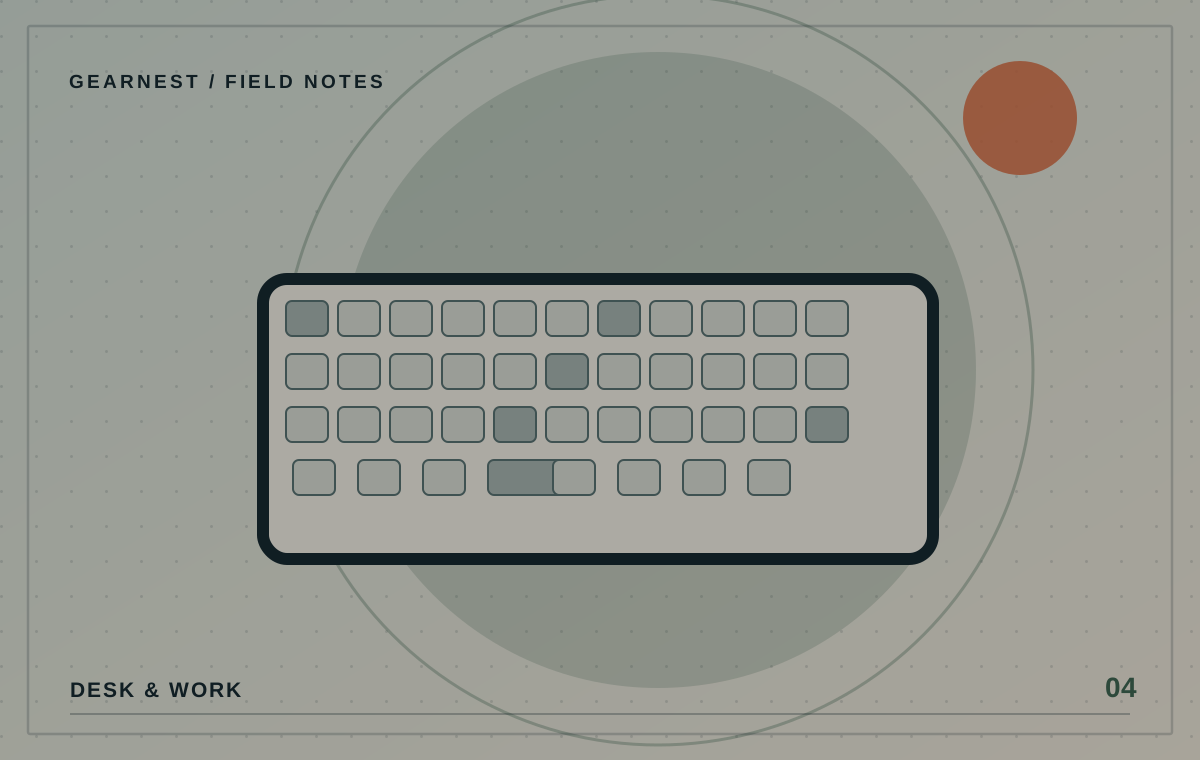
An articulated arm may extend behind the screen or into a wall when you push the monitor back. Check the product's movement diagram against the distance to the wall and any shelving. Make sure its lowest position is useful if the screen is already mounted high, and that moving the display will not pull or trap connected cables.
Plan installation and reassessment
Follow the arm's installation instructions and torque guidance; seek help if the screen is heavy. After mounting, gently check stability, adjust cable slack and make sure the display stays where you put it. If your preferred position causes discomfort, adjusting the rest of the workstation may matter as much as the arm itself.
Sketch the arm at full reach
A mounting arm may look tidy when the screen is centred, yet require surprising room when extended sideways or pushed toward a wall. Trace a rough outline of the desk, wall and monitor and mark the range you actually want. If your workstation is in a corner, consider whether the elbow joint can move without hitting shelving. Also check where cables leave the monitor and whether the display's ports remain usable after installation.
Before you choose
- Look up the exact VESA mounting pattern and monitor weight.
- Measure desk thickness and under-edge clamp clearance.
- Check movement space behind the monitor and cable slack.
Buying from screen size alone or clamping onto an unsuitable tabletop.