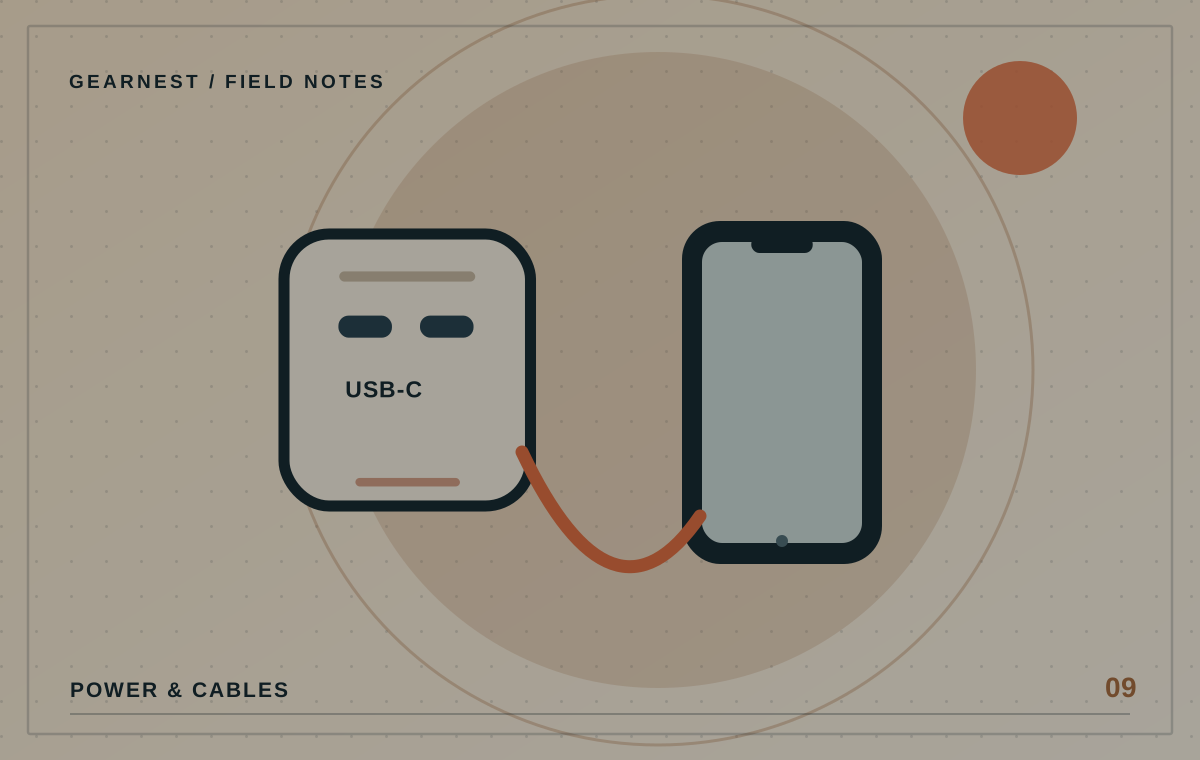
Replacing a handful of plug packs with one multiport charger can simplify a desk or bedside table. The catch is that sharing power introduces a new set of decisions: which devices charge at once, which cables reach comfortably and what happens when another port is used.
Choose by simultaneous devices and the per-port output table.
Make a real device list
Write down the devices that normally need power together, not every device you own. A laptop and phone might need simultaneous charging during the workday, while earbuds can wait until later. Note the original charging requirements for each device and which connectors they use. That list becomes your specification for a replacement charger.
Read the output matrix
Many multiport models have different ratings depending on which ports are occupied. One combination may provide most power to a USB-C port and less to another; plugging in a third device may change both outputs. Find the table in the manufacturer's documentation and check the arrangement you plan to use. Marketing that only says 'total 140 W' is incomplete for this decision.
Think about placement and strain
A heavy wall charger may obstruct an adjacent socket or protrude where furniture can bump it. A desktop charger with a mains lead can be easier to position but adds another cable. Choose a dry, ventilated location and route cables so connectors are not pulled sideways. Keep the unit accessible enough to unplug safely.
Avoid improvised stacking
Do not chain power boards or use questionable adapters to create more sockets. Follow Australian electrical safety guidance and the supplied instructions. Check electrical compliance and recalls before buying unfamiliar mains-powered gear. If your setup needs more permanent outlets, speak to a licensed electrician rather than improvising extensions.
Test the busiest moment
Once installed, connect the real device combination and confirm everything charges as expected. If a laptop reports inadequate power or charging stops as ports are added, return to the output matrix and device requirements. A charger that works perfectly for one phone may still be a poor fit for a mixed-device desk.
Imagine the cable arrangement
A single charger looks tidy in a product photograph, but four leads may still trail across your desk if the power brick is in the wrong location. Before buying, measure the distance to each device and where the charger can safely sit. Make sure a power lead can be disconnected without moving the entire setup. If you often unplug the laptop to leave, consider whether a dedicated, accessible port or short cable will make daily use easier.
Before you choose
- List the devices that charge at the same time.
- Check the actual port-sharing combination.
- Confirm safe placement and a compliant power setup.
Assuming more ports means each one receives the headline wattage.