A tidy desk rarely needs permanent modifications. For renters, shared spaces or people who frequently change devices, removable cable management can make the biggest difference with the least commitment. The aim is clear access and reduced trip hazards—not hiding every wire at any cost.
Removable ties, useful slack and accessible outlets are enough for most desks.
Trace the path of each cable
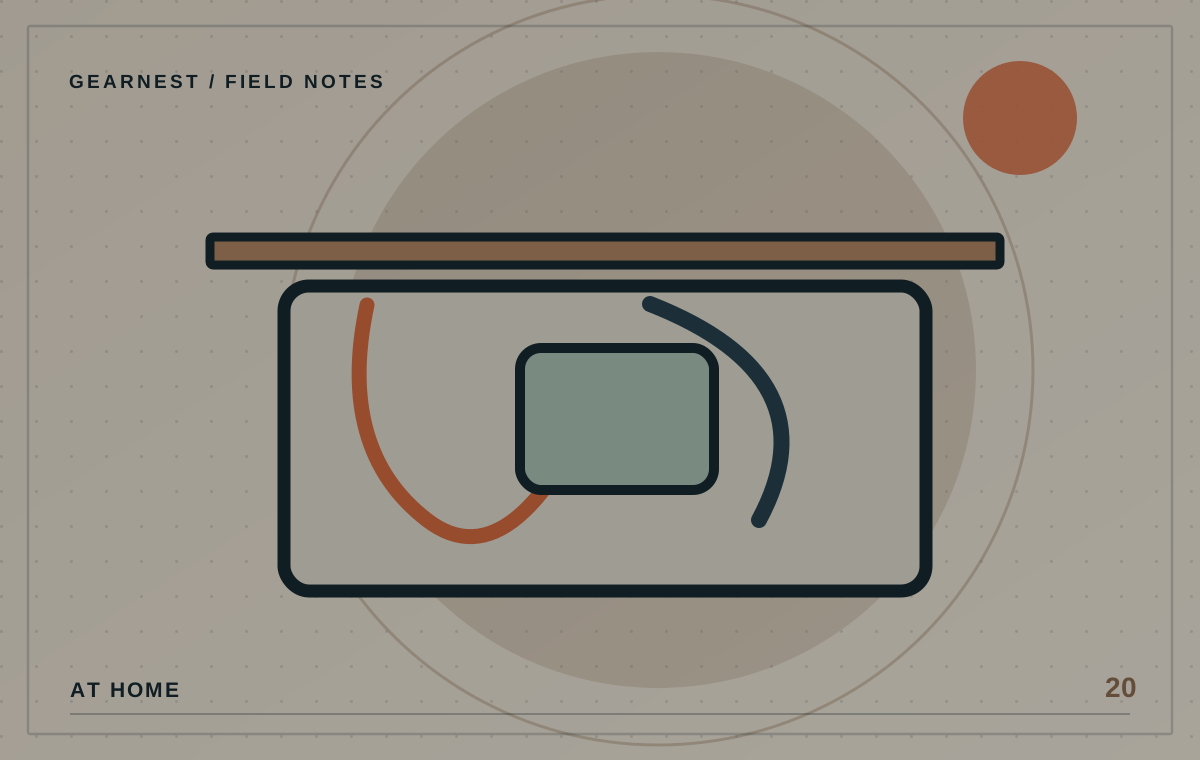
Unplug and identify only the cables you can safely disconnect, then note where each needs to travel. Separate leads used every day from ones that rarely move. Leave enough slack for raising a desk, opening a drawer or moving a monitor. Some cables need a minimum bend radius or adequate airflow around equipment, so don't pull every lead into one tight bundle.
Choose reversible fixing methods
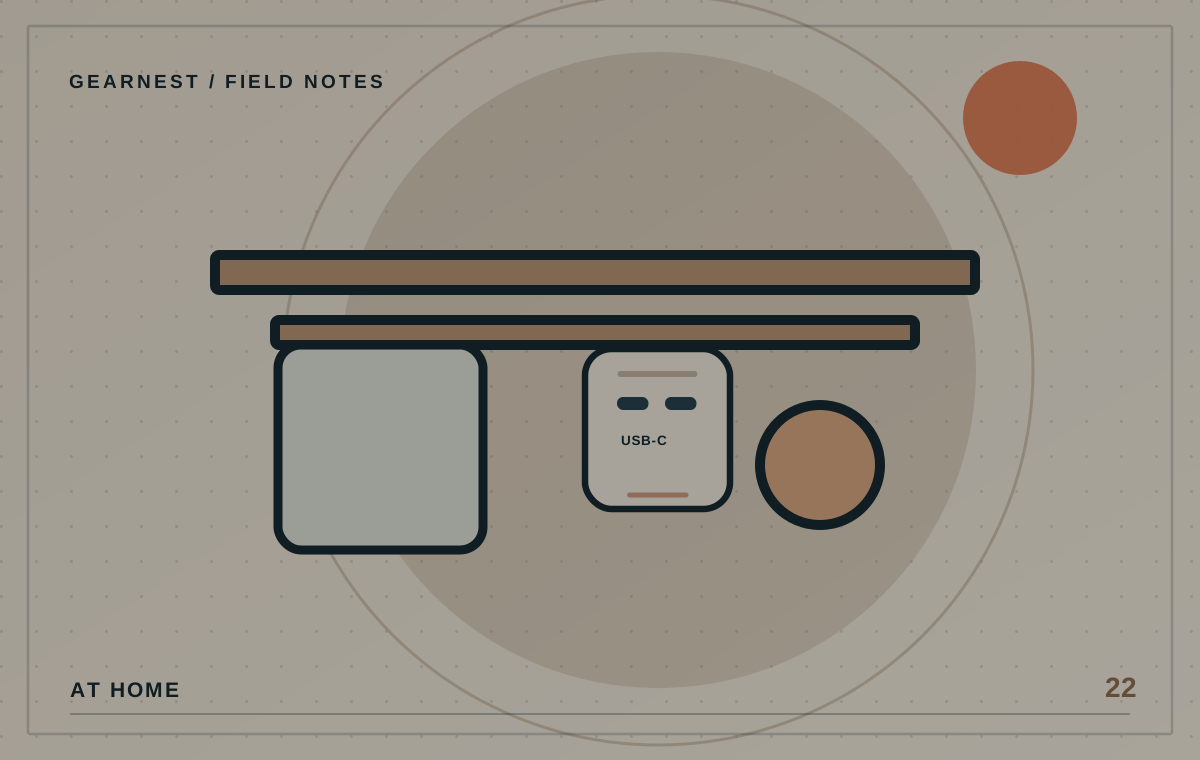
Hook-and-loop ties are easy to reopen, and clips can route light cables along appropriate surfaces. Check adhesive compatibility with finishes before attaching anything, particularly on painted or delicate furniture. A clamp-on cable tray may work if the desk has sufficient clearance and a compatible structure. Avoid stressing fragile or thin tabletops.
Keep mains power accessible and safe
Do not place power boards where liquids can spill onto them, or cover them with fabrics and clutter. Never use damaged plugs, overload outlets or connect power boards in unsafe chains. Leave enough space to unplug equipment when needed and comply with manufacturer instructions. If wiring is inadequate, a licensed electrician is the right person to ask.
Label both ends
When six dark cables enter the same tray, small labels can save enormous time during troubleshooting. Use a clear, non-conductive labelling method that doesn't interfere with connectors or vents. Group by purpose—display, power, networking—not by colour alone. Leave the most frequently unplugged device accessible.
Revisit the layout after a week
The real test is whether you can swap a laptop, clean the area and find a faulty cable without dismantling everything. If not, loosen the system. A tidy arrangement that is hard to maintain will gradually become untidy again. Aim for a simple route that the next version of your setup can reuse.
Do the maintenance test
Picture the next time you need to replace a monitor cable. Can you disconnect it and route the new one without removing the entire tray? If you cannot, the arrangement may be too tightly packed. Reusable ties, labels and accessible junction points make a setup easier to maintain. Keep mains leads separate from anything that could damage them, protect cables from chair wheels and preserve safe ventilation around chargers and power equipment.
Before you choose
- Trace cables and leave movement slack.
- Keep power outlets accessible, dry and unobstructed.
- Use removable fittings suitable for your furniture.
Concealing damaged or overheating power leads for the sake of neatness.